← 전체 가이드@aigo.thisworks
게임L 을 가져가 춤 게임
손가락 L 그림 한 장과 내 사진으로 게임 만들기
먼저, 힉스필드 연결 (처음 한 번)
- Claude 앱(또는 claude.ai)을 열고 왼쪽 아래 이름 → 설정 → 커넥터로 들어가요.
- 커스텀 커넥터 추가를 누르고 이름은 Higgsfield, 주소에
https://mcp.higgsfield.ai/mcp를 붙여 넣어요. - 계속 → 힉스필드 계정으로 로그인 → Allow(허용)를 누르면 연결 끝.
- 새 채팅 입력창의 + → 커넥터에서 Higgsfield 가 켜져 있는지 확인해요.
만드는 순서
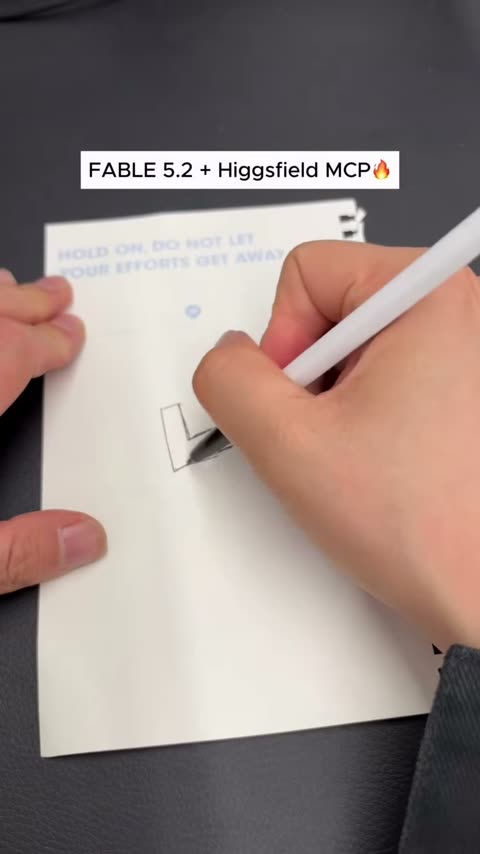
- 종이에 손가락 L 모양을 그리고 휴대폰으로 찍어요.
- 게임 주인공으로 쓸 사람 사진(내 사진)도 한 장 준비해요.
- Claude 에 힉스필드를 연결하고 모델을 Fable 5.2 로 골라요.
- 사진 두 장을 올리고 아래 프롬프트를 붙여 넣으면 게임이 만들어져요.
- 스페이스바로 춤추다가 상대가 돌아볼 때 멈추면 돼요.
그대로 붙여 넣을 프롬프트
Using Higgsfield, turn the person in this photo into the main character of a playable desktop game. Keep their recognizable face and hairstyle in a bright cartoon style. In a Korean classroom, the character secretly does a silly dance — making an 'L' on the forehead while hopping side to side — behind the teacher's back. Hold the spacebar to dance and build up the score; the teacher turns around at random moments, and if the character is still dancing she shouts "L을 가져가!" and the round ends. Side-view camera, a combo meter that grows the longer I dance, and speed that rises with the score. Show the score and best score on screen. Make every character, name, art and music original. Do not copy any existing game's characters, names, logos or music.
힉스필드 바로가기힉스필드 연결은 힉스필드 계정이 있어야 하고, 영상·이미지 생성에는 크레딧이 들어요. 결과물은 프롬프트가 같아도 매번 조금씩 달라요.
영상: instagram.com/reel/Df07wemS-Eo