← 전체 가이드@aigo.thisworks
게임광안리 거리뷰로 레이싱 게임
지도 거리뷰 몇 장으로 우리 동네가 게임 맵이 돼요
먼저, 힉스필드 연결 (처음 한 번)
- ChatGPT 앱을 열고 새 채팅에서 + → 플러그인 → Higgsfield 를 골라 연결해요.
- 처음이면 힉스필드 계정으로 로그인하고 허용을 눌러요.
- Claude 를 쓰셔도 똑같이 됩니다 — 아래 'Claude 로 하기' 참고.
Claude 로 하기
- Claude 앱(또는 claude.ai)을 열고 왼쪽 아래 이름 → 설정 → 커넥터로 들어가요.
- 커스텀 커넥터 추가를 누르고 이름은 Higgsfield, 주소에
https://mcp.higgsfield.ai/mcp를 붙여 넣어요. - 계속 → 힉스필드 계정으로 로그인 → Allow(허용)를 누르면 연결 끝.
- 새 채팅 입력창의 + → 커넥터에서 Higgsfield 가 켜져 있는지 확인해요.
만드는 순서
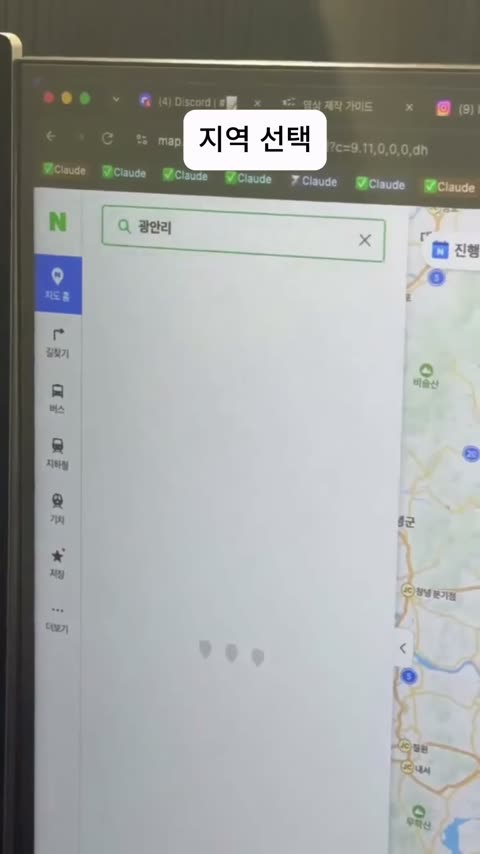
- 네이버 지도에서 광안리를 검색해요.
- 거리뷰를 켜고 길이 잘 보이는 장면을 5~6장 캡처해요.
- ChatGPT(또는 Claude) 새 채팅에서 + → 플러그인 → 힉스필드를 골라요.
- 파일 추가로 캡처 사진을 올리고 아래 프롬프트를 넣어요.
- 사진 몇 장이 진짜 게임 맵이 돼요.
그대로 붙여 넣을 프롬프트
Using Higgsfield, turn these street-view photos of 광안리 into the map of a playable desktop racing game. Keep the recognizable buildings, road and sea. Controls: arrow keys to steer and speed up, space to jump. Goal: survive as long as possible, dodge traffic and get a high score. Make every character, name, art and music original. Do not copy any existing game's characters, names, logos or music.
알아 두세요
- 캡처는 같은 길을 따라 이어지는 장면으로 고르면 맵이 자연스러워요.
힉스필드 연결은 힉스필드 계정이 있어야 하고, 영상·이미지 생성에는 크레딧이 들어요. 결과물은 프롬프트가 같아도 매번 조금씩 달라요.
영상: instagram.com/reel/Df1RBikypZM